Technical sketch tool in your browser
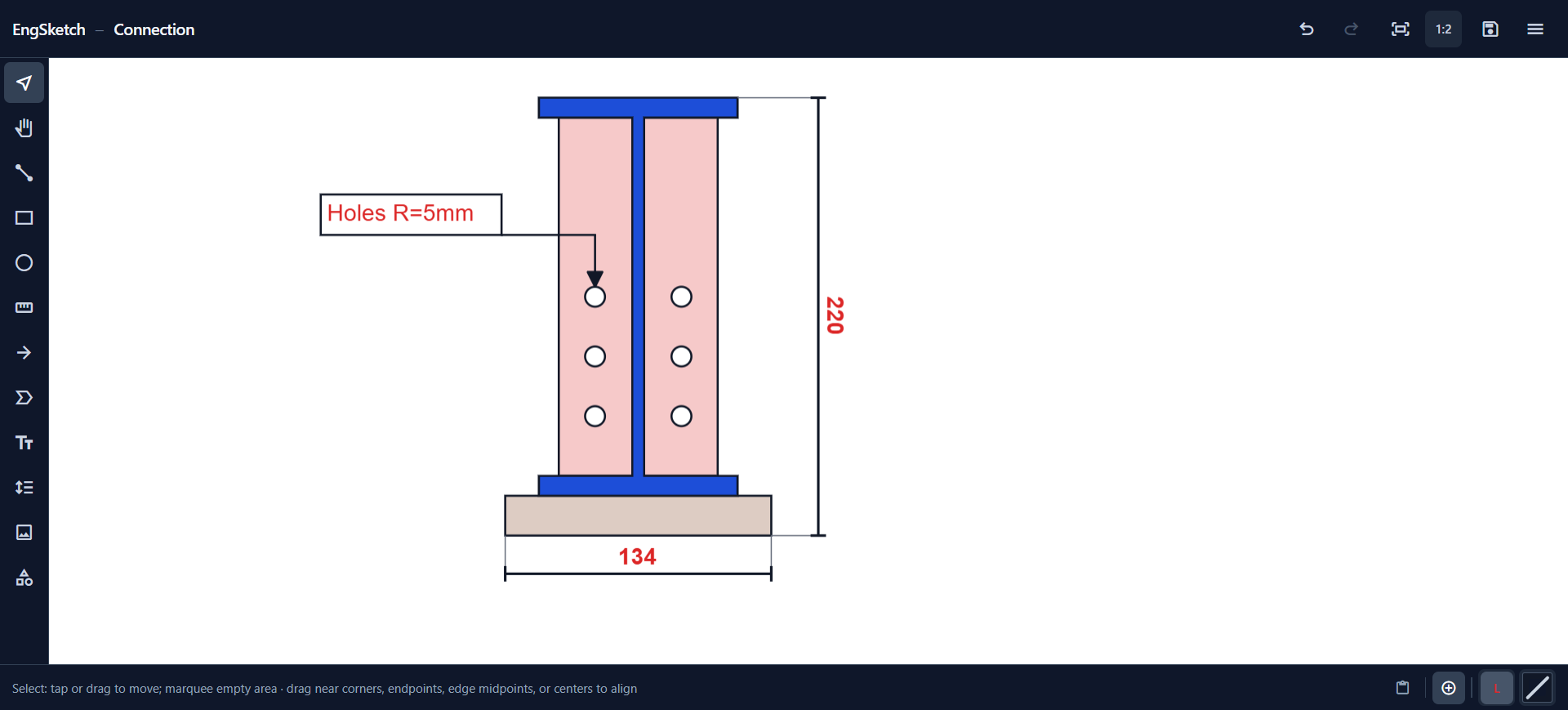
Draw lines, rectangles, engineering profiles, and dimension lines in millimeters—on a blank sheet or over a screenshot. No install, no account.
How it works
Four steps from image or blank sheet to a shareable drawing.
- 01
Start
Open a blank sheet or import an image—a screenshot, PDF, or photo from the clipboard.
- 02
Draw
Add lines, rectangles, engineering profiles, arrows, labels, and text.
- 03
Dimension
Place dimension lines in millimeters so sizes are clear—not guessed labels.
- 04
Share
Copy into email or chat for review, print a page, or hand off into CAD when you need formal documentation.
FAQ
Can I use it on a tablet or phone?
Yes—modern mobile browsers supported; tablet is most comfortable for editing.
Can I save my sketch and continue later?
Yes—use File → Save to store a .engsketch file on your device and open it again when you need to keep editing. Nothing is uploaded to a server.
Does EngSketch replace CAD?
No—it's for quick sketches and markup, not manufacturing drawings. You can export DXF if you want to continue the sketch in CAD and turn it into documentation later.
Related
- Calibrate photo scale and add mm dimensions
Import a photo or drawing underlay, set scale from one known length, then add the missing millimeter dimensions and callouts—in the image plane, for review and email.
- Draw with mm dimensions online
Add editable millimeter dimension lines to a blank-sheet sketch—on lines, shapes, or engineering profiles. Clearer than guessing pixels in Paint, lighter than opening CAD.
Ready to sketch?
Open the editor and start drawing right away—in your browser, on any device.
Questions, ideas, or something not working? FeedbackShare feedback